
Follow your favorite brands either by clicking a product review or by searching through the Brands page.
Click a product review
On PC:
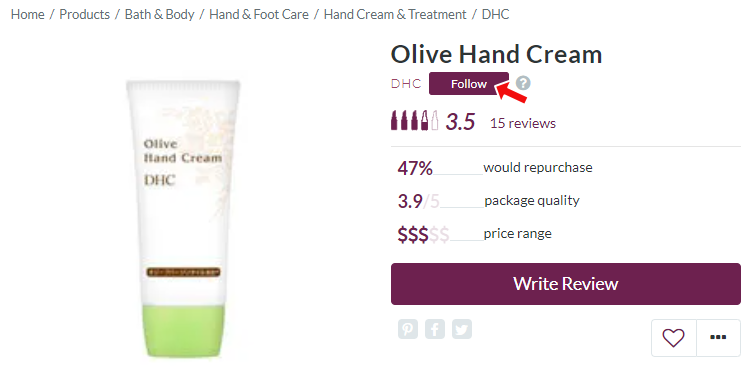
From the MakeupAlley homepage, click a product review, then click the Follow button.
On Mobile:
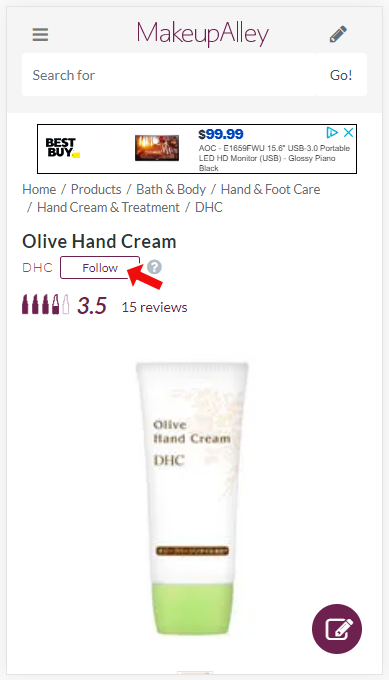
From the MakeupAlley homepage, tap a product review, then tap the Follow button.
Search through the Brands page:
On PC:
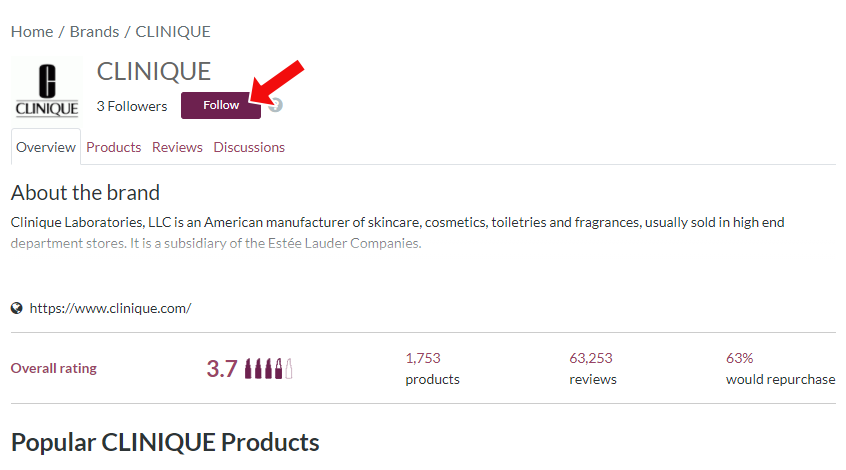
- Click the Brands header to view the full list of brands added to MakeupAlley.
- Select and click your favorite brand from the list.
- Click the Follow button.
On Mobile:
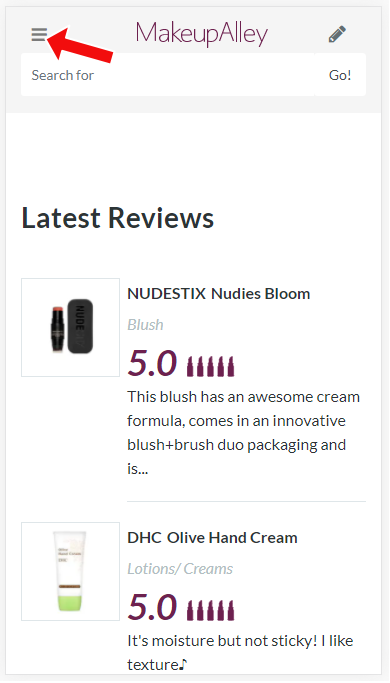
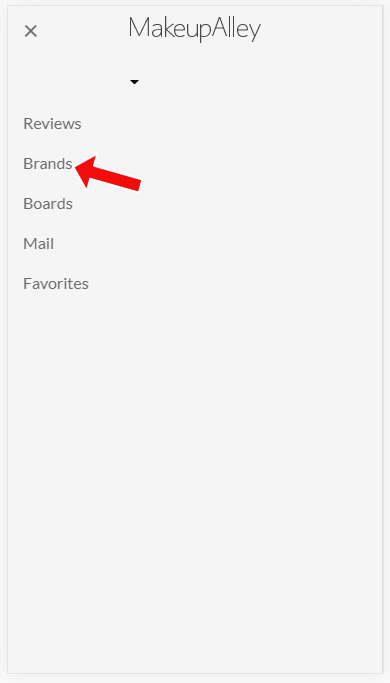
- Tap the hamburger icon ≡.
- Tap Brands.
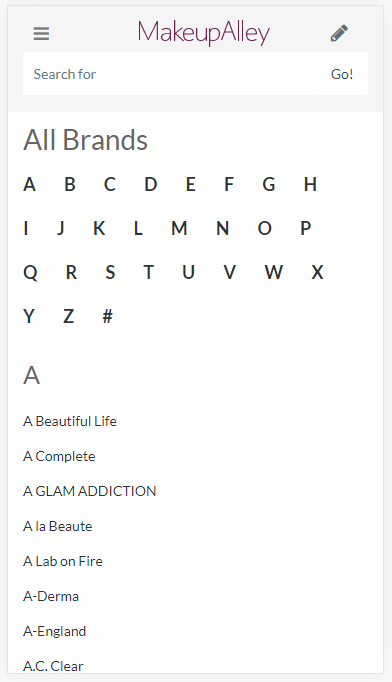
- Select and tap your favorite brand.
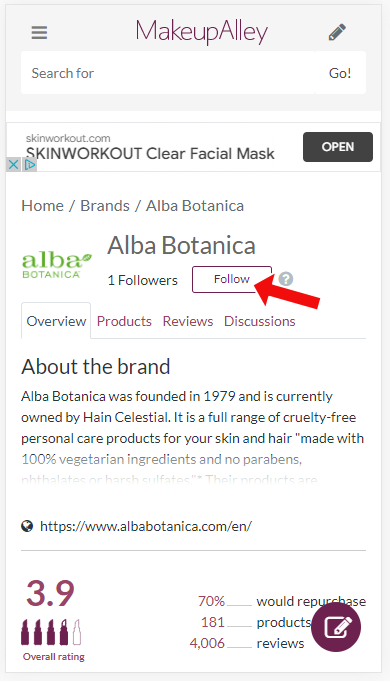
- Tap the Follow button.
Comments
0 comments
Article is closed for comments.